
- Commercial
Designing a Conference Room People Will Actually Use
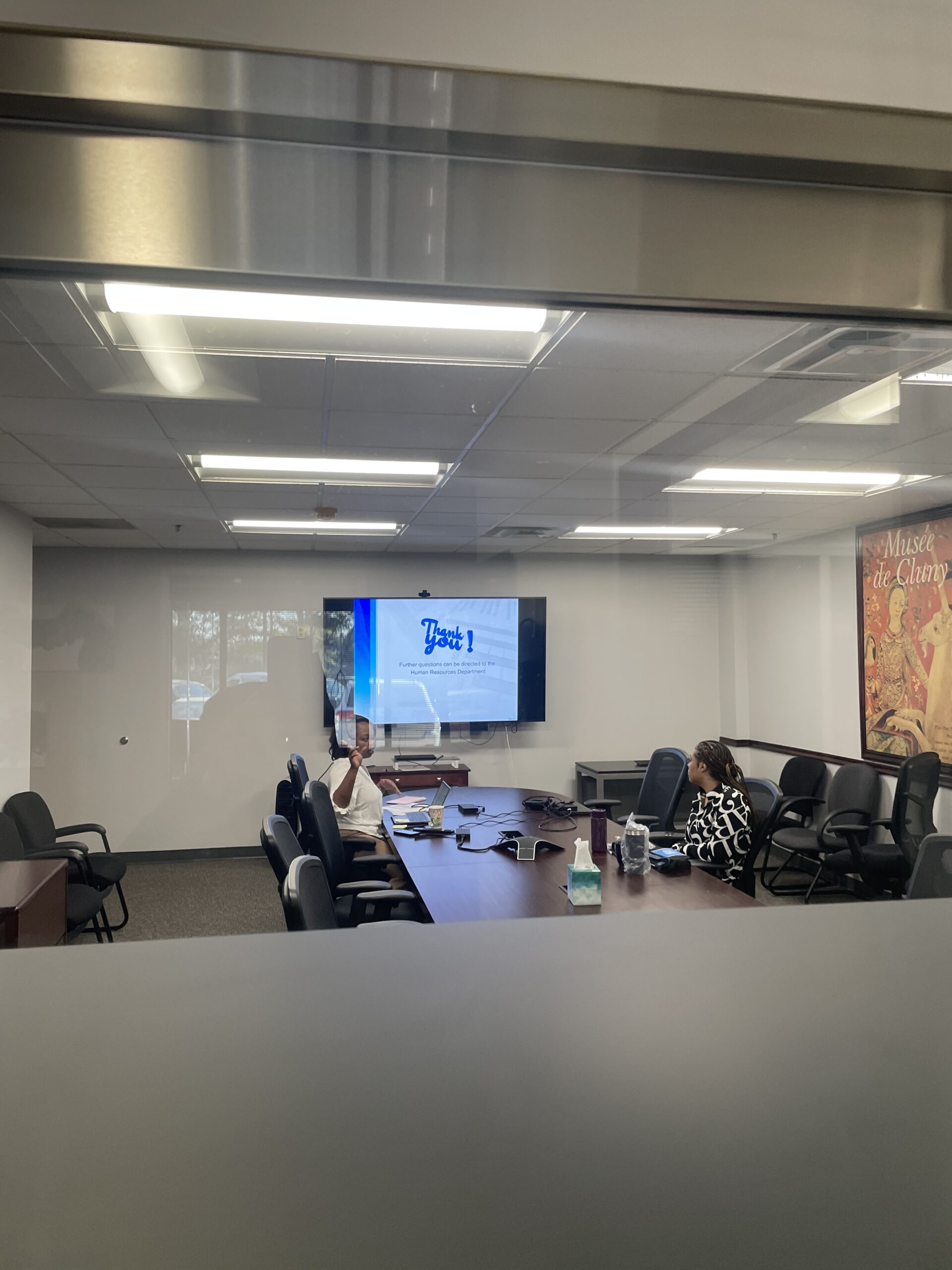
Details
Share this post
The fastest way to spend a lot of money on a conference room is to design around the equipment. Pick the biggest display the wall can hold. Add the camera with the most features. Buy the speaker system with the highest rated specs. Then install everything and hope it works.
It rarely does.
Conference rooms work when they are designed around how the meeting is going to happen. The equipment is what makes the design possible, but the design has to come first. Here is how we approach it.
Start with the Meeting, Not the Room
Before we look at the space, we talk about the meetings. Who attends. What they need to see. What they need to hear. How they connect. Is the room mostly for internal team meetings, or are external clients dialing in? Does the team present from laptops, or is content always pre-loaded? Are people walking up to a whiteboard, or does everyone stay seated?
These questions sound basic. They are. They also determine almost every design decision that follows. The camera that works for a static boardroom does not work for a room where someone needs to walk to a whiteboard. The microphone placement that picks up a small huddle group does not work for a room of twenty.
Camera and Microphone Placement Beat Display Size
The display is the part everyone notices when they walk into the room. It is also the part that matters least to whether the meeting works.
The camera determines how you look to the people on the other end of the call. Poor angle, poor framing, poor lighting, and your team looks unprofessional regardless of what is on the screen. The microphones determine whether anyone can hear what you are saying. Pick those up wrong, and your team is constantly being asked to repeat themselves.
If you have a budget tradeoff between a bigger display and better camera and microphone hardware, choose the camera and microphones every time. Nobody on a video call has ever said the display in the other room looked too small. Plenty of people have said they could not hear or that the camera angle made the room look unprofessional.
One Button Is the Goal
The best conference room is the one anyone on your team can use without training. Walk in. Press one button. The display turns on, the camera comes up, the microphones activate, the meeting platform launches. Sit down and start.
That experience requires the right control system. Touch panel, button panel, or even just a single physical button depending on the room. The platform integration has to be tight. The display, camera, microphones, and speakers all have to come up together. The whole experience has to be designed so the user does not have to think about the technology.
If your team is calling IT every time they need to start a meeting, the room was not designed correctly. It is not their fault.
Acoustics Matter
A room with bad acoustics will sound bad regardless of how much you spend on microphones and speakers. Glass walls. Hard floors. High ceilings with no treatment. All of these create echo, reverberation, and audio problems that no amount of equipment can fully fix.
We design rooms with acoustics in mind from the start. Sometimes that means recommending acoustic panels. Sometimes it means choosing microphones that handle bad acoustics better. Sometimes it means redesigning the room layout entirely.
The point is that acoustics are part of the design conversation, not something to address after the install when complaints start coming in.
Build for the Way the Team Actually Works
Hybrid meetings are not going away. Half the team in the room, half on the call. That is the default now, and conference rooms designed around an all-in-person meeting will struggle with that reality.
We design rooms with hybrid meetings as the default. Cameras that can see everyone in the room. Microphones that pick up the whole table, not just the head seat. Audio that does not require the remote participants to constantly ask people to speak up. Layouts where the in-room team is not awkwardly clustered at one end while the remote team feels left out.
The team that adjusts to the room is the team that hates the room. The team that walks in and immediately knows how to run a meeting is the team that actually uses the space.
Good conference rooms are designed around the meeting first and the equipment second. If your current room is a daily source of frustration, the fix is rarely a bigger TV. It is usually a smarter design.
Related Posts
 Commercial
 Residential
Smart Home Mistakes That Make Life Harder
 Residential